Customizing the Login and Registration Screens
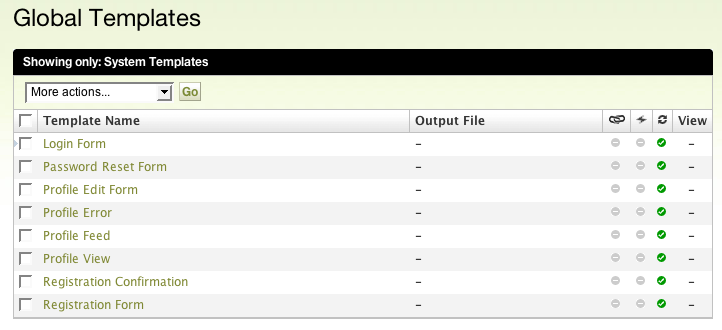
The Movable Type Community Solution allows designers to easily customize the look and feel of every screen exposed to a reader and user. These templates are accessible by selecting “Global System Template” under the System Overview’s “Design” Menu. The following templates are made editable by the Community Solution:
- Login Form
- Password Reset Form
- Profile Edit Form
- Profile Error
- Profile Feed
- Profile View
- Registration Confirmation
- Registration Form
By default the Movable Type Community Solution will not substantially modify the appearance of existing screens (like the Login and Registration templates). However these templates have been modularized to make it easy for designers to customize their look and feel. The following shared template modules are used by many of these templates to achieve a relatively simple design that is complimentary to most web sites:
- Simple Header - a chromeless page header that uses the Movable Type logo.
- Simple Footer - a chromeless page footer.


